
The MacMost Newsletter: Issue 892
February 5, 2026
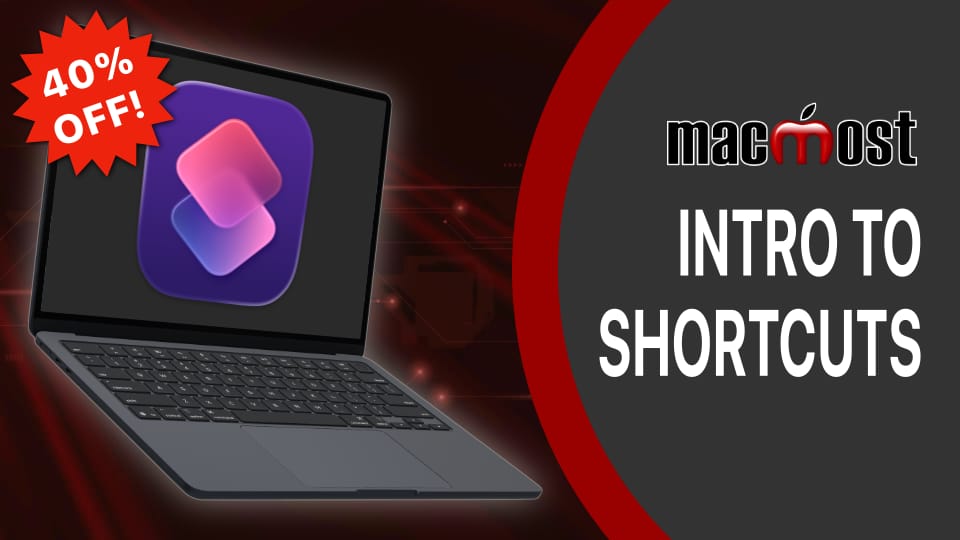
I created a brand new course on Mac Shortcuts. Like the recent Pages and Photos courses, it is for sale at Patreon. The course is about 2 hours long and teaches the basics of using the Shortcuts app on your Mac to automate workflows. It covers using actions to build Shortcuts and automations. You can read more about the course here: https://www.patreon.com/posts/149048826. If you have questions about buying courses at Patreon, I have set up this FAQ page.
If you are not a supporter of MacMost at Patreon, then the course is a simple one-time purchase. You can watch it and rewatch it as often as you like. The 40% discount is the sale price, no coupon needed. The sale is on until Feb 6. As an example, the regular price is $30 USD and with the discount it will be $18 USD.
Note that if you are a Club MacMost member you get a better 50% discount by using the most recent Club MacMost coupon code. If you are a Club MacMost Plus member it is automatically available to you to watch for free.
Also: For the other courses and after the sale of the new Shortcuts course is over, note that the new coupon code for courses in February is: cardinal. You can use this code at the MacMost Courses site and apply it as a discount code for the MacMost courses at Patreon.
If you are not a supporter of MacMost at Patreon, then the course is a simple one-time purchase. You can watch it and rewatch it as often as you like. The 40% discount is the sale price, no coupon needed. The sale is on until Feb 6. As an example, the regular price is $30 USD and with the discount it will be $18 USD.
Note that if you are a Club MacMost member you get a better 50% discount by using the most recent Club MacMost coupon code. If you are a Club MacMost Plus member it is automatically available to you to watch for free.
Also: For the other courses and after the sale of the new Shortcuts course is over, note that the new coupon code for courses in February is: cardinal. You can use this code at the MacMost Courses site and apply it as a discount code for the MacMost courses at Patreon.

If you only use Pages, Numbers and Keynote and don't want the Apple Creator Studio subscription, you should get the new apps, and just ignore the subscription features. Here's how to hide some of them away.
Watch at MacMost.com / Watch at YouTube
Watch at MacMost.com / Watch at YouTube
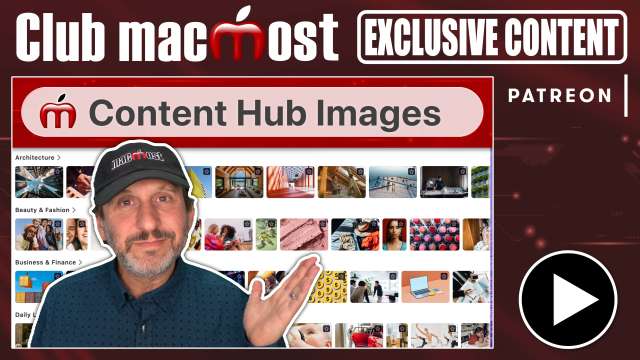
Apple didn't create its own stock image library, but instead licensed images from elsewhere. What are the restrictions on using these images?
Watch at Patreon
Watch at Patreon
MacMost is an ad-free user-supported website thanks to people like you! For as little as $2/month you can help and for $5/month you can become a member of Club MacMost where I share more video tutorials, tips and commentary. Club MacMost members also get 50% off all MacMost courses and Club MacMost Plus members get the courses for free!

If you documents with the new Apple Creator Studio apps, can you still open them with the regular versions of those apps? What if you use subscription-only features?
Watch at MacMost.com / Watch at YouTube
Watch at MacMost.com / Watch at YouTube

Here are some tips for using the Minimize feature on your Mac that lets you temporarily move windows into the Dock and bring them back easily.
Watch at MacMost.com / Watch at YouTube
Watch at MacMost.com / Watch at YouTube
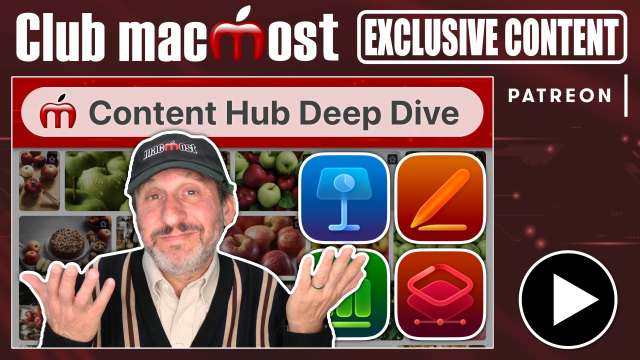
Take a look with me at the Apple Creator Content Hub, AI image creation, and various other related tools.
Watch at Patreon
Watch at Patreon
MacMost has a variety of online video courses available at the MacMost site and Patreon. There is a general macOS course for beginners and intermediate Mac users, as well as courses covering apps like Pages, Numbers, Keynote, iMovie, Photos and more. Check out the MacMost courses site for a list of all available courses.

Should you be getting the new Apple Creator Studio subscription from Apple? It includes six apps previously for sale at a one-time price, plus extra features for four apps already on your Mac. See if the math adds up for you to make it worthwhile.
Watch at MacMost.com / Watch at YouTube
Watch at MacMost.com / Watch at YouTube
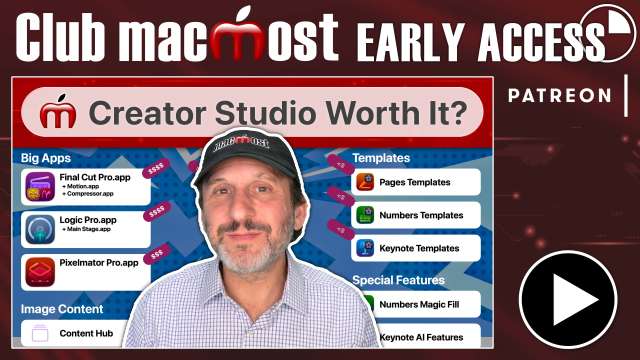
Should you be getting the new Apple Creator Studio subscription from Apple? It includes six apps previously for sale at a one-time price, plus extra features for four apps already on your Mac. See if the math adds up for you to make it worthwhile.
Watch at Patreon
Watch at Patreon




Tell your friends about the MacMost newsletter!
Send them to macmost.com/newsletter where they can sign up.
Click this link to send them an email.
Send them to macmost.com/newsletter where they can sign up.
Click this link to send them an email.
Copyright 2026 CleverMedia, Inc.
{!contact_address}
{!contact_address}