
The MacMost Newsletter: Issue 894
February 20, 2026

The warp tool allows to you stretch, bend and twist a layer to distort them, fit onto surfaces, or wrap around objects.
Watch at MacMost.com / Watch at YouTube
Watch at MacMost.com / Watch at YouTube

If you want to know what security patches are in Apple's system and app updates, you can get tons of information about that. You can also see that XProtect is working and how often they update the anti-malware tool with new rules.
Watch at Patreon
Watch at Patreon

When creating large documents in Pages, Numbers or Keynote it is often useful to be able to quickly navigate around inside them using built-in tools or adding your own links to different parts of the document.
Watch at MacMost.com / Watch at YouTube
Watch at MacMost.com / Watch at YouTube

MacMost is an ad-free user-supported website thanks to people like you! For as little as $2/month you can help and for $5/month you can become a member of Club MacMost where I share more video tutorials, tips and commentary. Club MacMost members also get 50% off all MacMost courses and Club MacMost Plus members get the courses for free!

If you fill up your iCloud storage, what happens, exactly. And then what do you need to do to fix the problem.
Watch at MacMost.com / Watch at YouTube
Watch at MacMost.com / Watch at YouTube
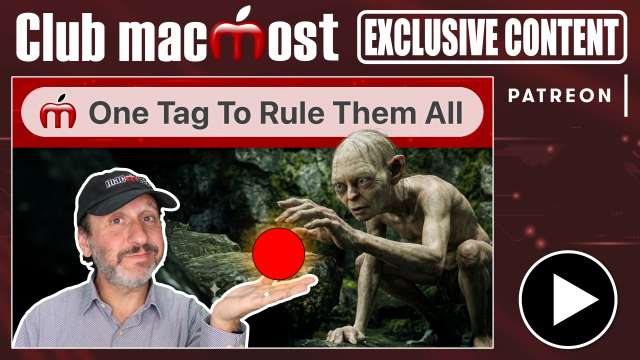
You can use a single tag in the Finder to make it easy to get to the files you want.
Watch at Patreon
Watch at Patreon

You can view your dated reminders in both the Reminders and Calendar apps on your Apple devices. You can even create and modify them in either app.
Watch at MacMost.com / Watch at YouTube
Watch at MacMost.com / Watch at YouTube
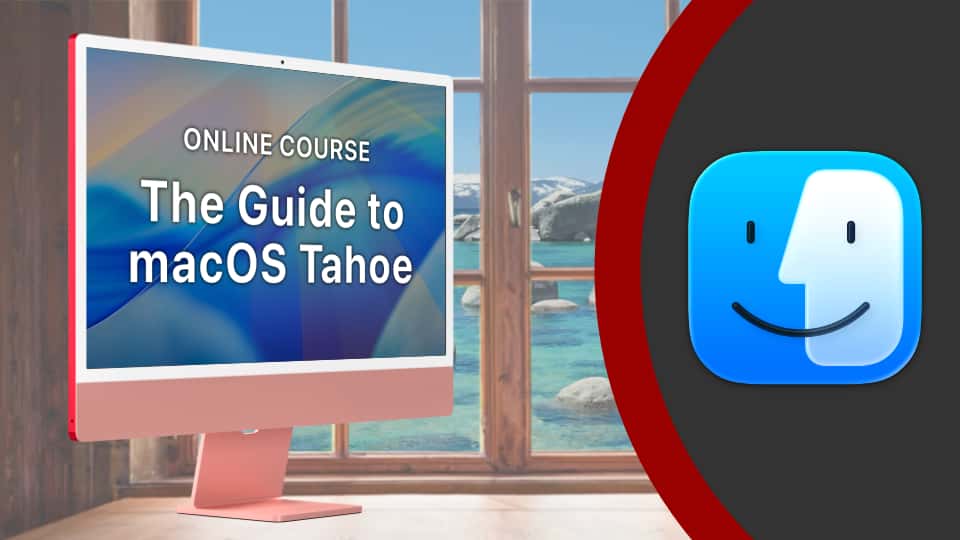
MacMost has a variety of online video courses available at the MacMost site and Patreon. There is a general macOS course for beginners and intermediate Mac users, as well as courses covering apps like Pages, Numbers, Keynote, iMovie, Photos and more. Check out the MacMost courses site for a list of all available courses.

The warp tool allows to you stretch, bend and twist a layer to distort them, fit onto surfaces, or wrap around objects.
Watch at Patreon
Watch at Patreon

I'm going to run through all sorts of keyboard typing techniques about moving your cursor, typing special characters, lots of odd and unusual shortcuts that can help with typing.
Watch at MacMost.com / Watch at YouTube
Watch at MacMost.com / Watch at YouTube




Tell your friends about the MacMost newsletter!
Send them to macmost.com/newsletter where they can sign up.
Click this link to send them an email.
Send them to macmost.com/newsletter where they can sign up.
Click this link to send them an email.
Copyright 2026 CleverMedia, Inc.
{!contact_address}
{!contact_address}