
The MacMost Newsletter: Issue 902
April 16, 2026

You can easily have your Mac read selected text out loud. You can select the voice and speed. You can add a keyboard shortcut and have it highlight text so you can follow along.
Watch at MacMost.com / Watch at YouTube
Watch at MacMost.com / Watch at YouTube

There is no built-in RSS widget in macOS, but you can create one using the Reminders widget and a Shortcut with an automation.
Watch at Patreon
Watch at Patreon

Quick Look is a powerful previewing tool built right into macOS. You can use it to view and sometimes work with files without opening them in an app.
Watch at MacMost.com / Watch at YouTube
Watch at MacMost.com / Watch at YouTube

MacMost is an ad-free user-supported website thanks to people like you! For as little as $2/month you can help and for $5/month you can become a member of Club MacMost where I share more video tutorials, tips and commentary. Club MacMost members also get 50% off all MacMost courses and Club MacMost Plus members get the courses for free!

The slideshows you can make in the Photos app force many choices on you. But by using the free Keynote app you can build simple video slideshows and only enhance them with transitions and text that you like.
Watch at MacMost.com / Watch at YouTube
Watch at MacMost.com / Watch at YouTube

You'll see the time 9:41 appear in Apple marketing and other places. Learn where that comes from and how people sometimes get the details wrong.
Watch at Patreon
Watch at Patreon
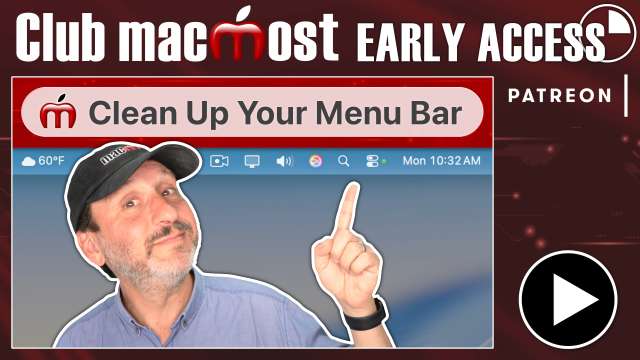
If the right side of your Menu Bar is too cluttered, here are some techniques for cleaning it up by shrinking, removing, reorganizing or relocating the items there.
Watch at Patreon
Watch at Patreon
MacMost has a variety of online video courses available at the MacMost site and Patreon. There is a general macOS course for beginners and intermediate Mac users, as well as courses covering apps like Pages, Numbers, Keynote, iMovie, Photos and more. Check out the MacMost courses site for a list of all available courses.




Tell your friends about the MacMost newsletter!
Send them to macmost.com/newsletter where they can sign up.
Click this link to send them an email.
Send them to macmost.com/newsletter where they can sign up.
Click this link to send them an email.
Copyright 2026 CleverMedia, Inc.
{!contact_address}
{!contact_address}