
The MacMost Newsletter: Issue 906
May 14, 2026

If you aren't yet using iCloud Photos, watch to find out why I love it so much and consider it to be one of the best parts of the Apple ecosystem.
Watch at MacMost.com / Watch at YouTube
Watch at MacMost.com / Watch at YouTube

At first, Pixelmator Pro doesn't seem to have any batch processing features. But in fact it uses Shortcuts to allow you to do some powerful batch processing.
Watch at MacMost.com / Watch at YouTube
Watch at MacMost.com / Watch at YouTube

We all use Copy and Paste for text. But here are some other ways you can use Copy and Paste on your Mac such as moving files, applying styles, starting new image documents, and getting text from images.
Watch at MacMost.com / Watch at YouTube
Watch at MacMost.com / Watch at YouTube

MacMost is an ad-free user-supported website thanks to people like you! For as little as $2/month you can help and for $5/month you can become a member of Club MacMost where I share more video tutorials, tips and commentary. Club MacMost members also get 50% off all MacMost courses and Club MacMost Plus members get the courses for free!
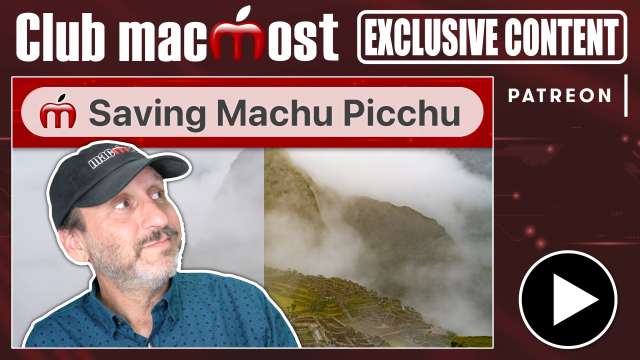
I got some great photos on my trip to Peru, but the overview of Machu Picchu wasn't one of them thanks to clouds. But RAW and photo apps to the rescue!
Watch at Patreon
Watch at Patreon
It is easy to create a new folder in macOS, but sometimes difficult to create them just where you want them.
Watch at Patreon
Watch at Patreon

Often I mention new features of macOS that I have covered before only to get reactions from people that missed these handy new features when they were first released. Here are some you may have missed.
Watch at Patreon
Watch at Patreon
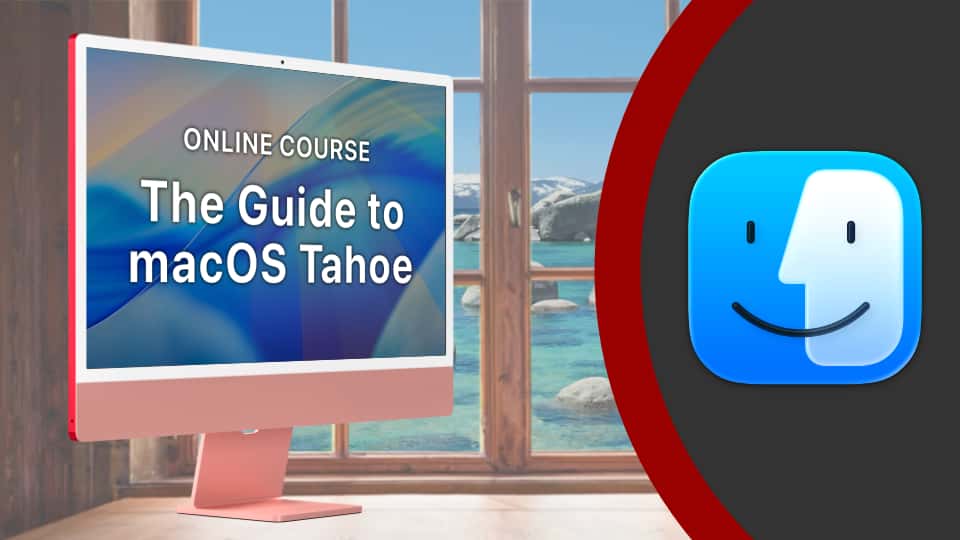
MacMost has a variety of online video courses available at the MacMost site and Patreon. There is a general macOS course for beginners and intermediate Mac users, as well as courses covering apps like Pages, Numbers, Keynote, iMovie, Photos and more. Check out the MacMost courses site for a list of all available courses.




Tell your friends about the MacMost newsletter!
Send them to macmost.com/newsletter where they can sign up.
Click this link to send them an email.
Send them to macmost.com/newsletter where they can sign up.
Click this link to send them an email.
Copyright 2026 CleverMedia, Inc.
{!contact_address}
{!contact_address}