
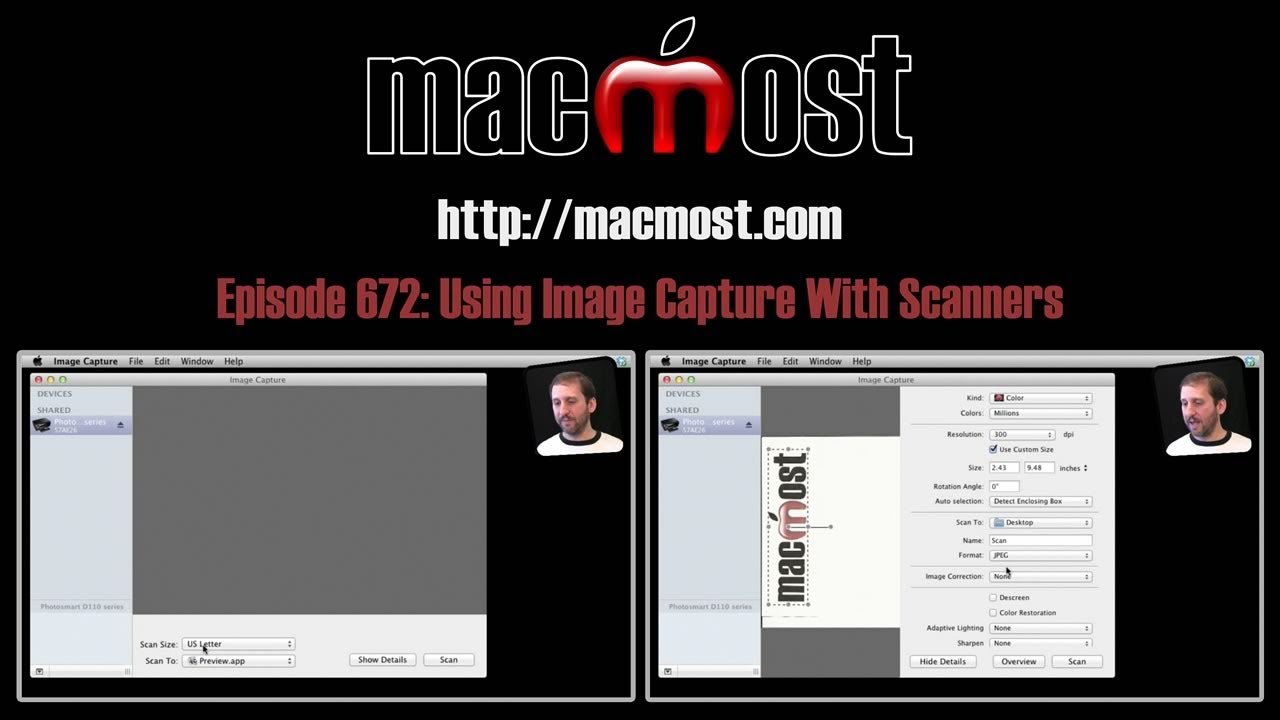
The Image Capture app that comes with every Mac is a good alternative to scanner manufacturers' custom software. You can use it to scan images from most scanners and it will adjust its features depending on the scanner's capabilities.
▶ You can also watch this video at YouTube.
▶
▶ Watch more videos about related subjects: Hardware and Accessories (15 videos).
▶
▶ Watch more videos about related subjects: Hardware and Accessories (15 videos).


Cool! You always have such useful tips! Thanks a lot!
Great. I knew about this but forgot how useful it was. Thanks for reminding us of this useful utility.
I use a wireless multifunction printer with scanner. Image Capture does not see my Canon MX882 at all. So I am forced to use the Canon software.
Thanks Gary, works great on my HP photosmart. This Aussie really appreciates all your great videos.
PeopLe jusT don'T aPPreciaTe aLL theiR MAC caN do.....
ThanKs Gary,,,, YoU aRe the BesT!!!!!!
{ i LOvE mY MAC }
He will bury our you doing a fantastic job been watching a lot of your videos but I was wondering are you ever going to get into lion server software setup it would be helpful just was wondering DHCP and DNS setup and users and groups would be awesome
No, sorry, I don't envision getting into Lion Server tutorials.
A great help. My scanner program decided to not play ball recently and I had a trouble getting just one scan. Now I find out Image Capture could have done the job. Yay! Thanks Gary, regularly watch your podcasts, a real useful tool for us Mac users.
I just did this last night. For some reason I couldn't locate my printer driver and decided to just use Image Capture. It was so much easier than go through all the dialogs that used to come up with my HP software. Thanks for another great tip (though I found this one indepdently! :) ).
Rich
I have an Epson V30 attached via USB. When I boot image capture it does not see the scanner. I do not see any obvious way to link the two. Any suggestions?
Check the manufacturer's site for any updated drivers you might need to install.
Image Capture does not see my HP All-In-One Scanner. How can I select it?
Perhaps you need to install new drivers. Or perhaps it only works with the HP software.
This is the most amazing thing I've learned in the last four years, since switching to Mac. I have an older HP all-in-one wireless printer that would not scan to computer wirelessly. I have been using HP Web scan. After watching your video, I launched Image Capture and low and behold, it functioned exactly as demonstrated. How does it connect to my scanner, Mac magic?
Thanks!!!
I have a HP M2727 nf all in one laserjet printer.
I recently (2 months ago) updated to Mountain Lion. In Image Capture the printer does not show. (VueScan - trial version sees the scanner perfectly). I did uninstall the old drivers, and re-install the printer (ptinter works fine).
Any help will be greatly appreciated!