
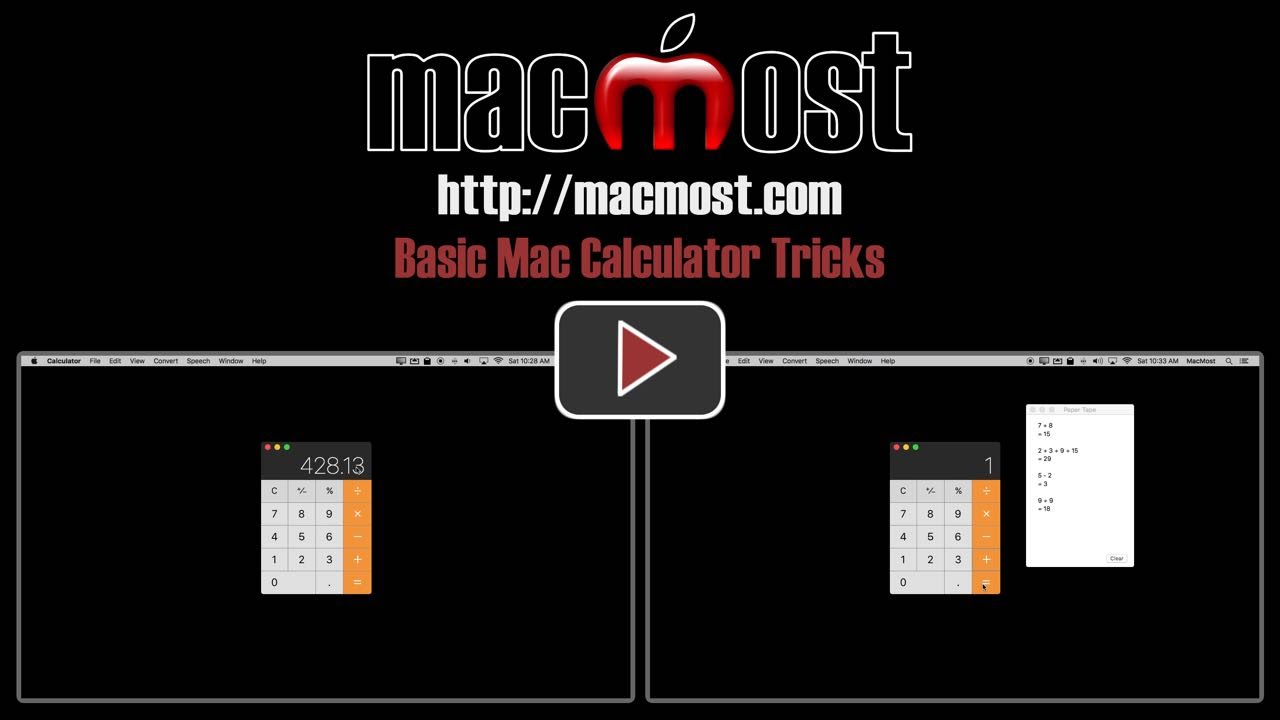
Besides the alternate calculator types or conversion functions in the Mac calculator app there are some advanced features that you may not know about. You can use copy and paste, the delete key, set a number of decimal places, and have your Mac speak the results. The most useful feature is the paper tape window where you can record your calculations.
▶ You can also watch this video at YouTube.
▶
▶


I had no Idea! thanks!!!!
This is terrific! Especially for a numbers-dummy like me. I've really needed a tape but my little solar calculator doesn't have that skill but now I do! Thanks.
This helped me so much! How awesome to have all those capabilities I didn't know I had.
Plus, I didn't even realize my MacBook Air had a calculator app.
Thank you!!
Good trick, thanks... Can we show calculator's icon on the menu bar?
Ertugrul: No, it is an app. So you would add it to the Dock for quick access, not the menu bar.
OMG! I use the calculator all of the time and never knew about the tape or the decimal places. This is really awesome and thanks for sharing the knowledge!
I will share this Mac tutorial with my undergraduate students who take my course in a Mac computer lab. Thank you so much for sharing.
-j-
Thank you for this. I was not aware of these things.
Everyday you learn something new. Keep up the great work Gary.
Thanks a million!!!
Thanks .Great tutorial on such a simple but usefull everyday application.
I will have to let my students play with this.
All I can say is wow!! Thanks for the info.
Have wanted to know a couple of the calculator tricks and now I do.
Thank you so very much for your tutorials!