
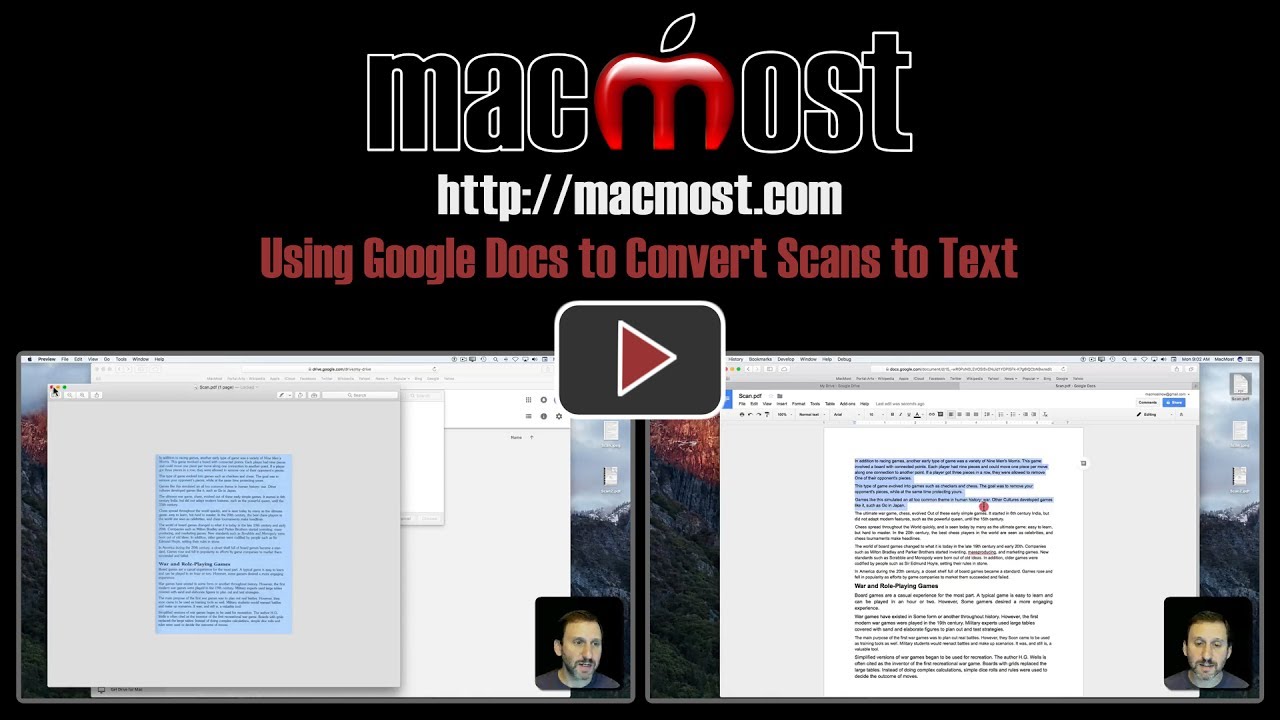
A free way to convert scanned images to text documents on your Mac is to use Google Drive and Google Docs. With any Google/Gmail account you can upload a PDF or image file to Google Drive, then request to open it in Google Docs. The result will be a OCR (optical character recognition) conversion from image to editable text. Then you can export the text back to your Mac.
▶ You can also watch this video at YouTube.
▶
▶


Terrifically helpful.
Terrifically helpful: previously I used PDF OCR X Community Edition to convert images of words into editable text, but you need to use the $30 Pro version for multi-page PDFs. Not so with the GoogleDrive/Docs method. I'm mentioning the process to as many fellow members of a Mac User Group as I can.
This is really cool!
Wow. Thank you so much.