
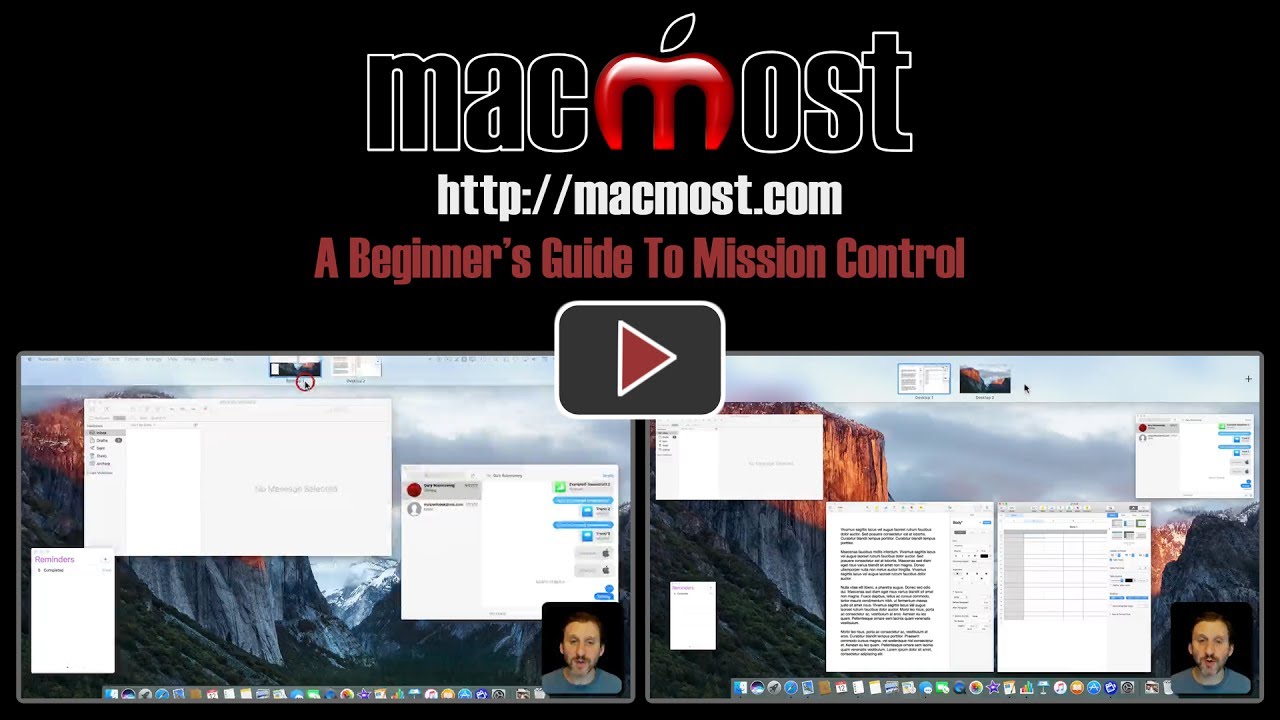
Mission Control in macOS Sierra allows you to create multiple desktops with different windows on each. You can easily create these desktops and move between them with keyboard shortcuts. This allows you to go between apps and workspaces easily, saving you time and effort. You can also use full-screen apps as a desktop. This is handy for MacBook users in particular as screen space is limited.
▶ You can also watch this video at YouTube.
▶
▶ Watch more videos about related subjects: Beginner's Guides (38 videos), Mission Control (11 videos).
▶
▶ Watch more videos about related subjects: Beginner's Guides (38 videos), Mission Control (11 videos).


Very well explained, thanks.
I noted that over time one tends to forget the purpose of the desktops created, hence it would be useful if there was an option to RENAME the desktops, e.g. WORK , FOTO, etc.
Kind regards
Andreas
Thanks again, Gary. That was a very helpful tip.
Very helpful - I'm going to try it out.
Very informative, Gary, as usual. Is there a way to "lock" these windows in a particular order ? I have noticed that my iMac shifts them around for no apparent reason.
Alston: There's no lock, but you can turn off the automatic re-arrangement by going to System Preferences, Mission Control.