
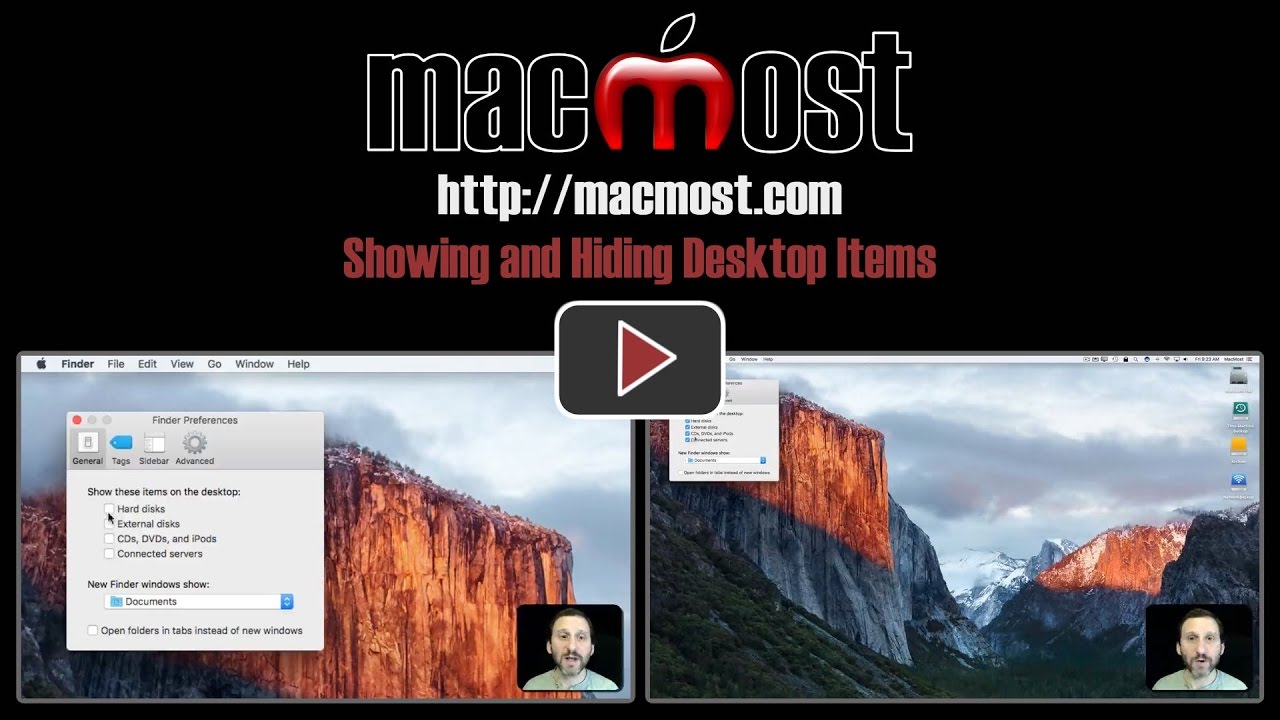
You can decide whether you want your hard drive, external drives, CDs and networked drives on your Desktop. Some users prefer to not have these items on the Desktop since they are easy to access through the Finder. Others may find they miss these but don't know how to get them back.
▶ You can also watch this video at YouTube.
▶
▶ Watch more videos about related subjects: Finder (338 videos).
▶
▶ Watch more videos about related subjects: Finder (338 videos).


Very informative, as usual.
I do tend to keep some files and folders on my desktop.
When at the store for workshops, I use desktop pirate app
to hide all files, folders, etc on my desktop. Works well.