
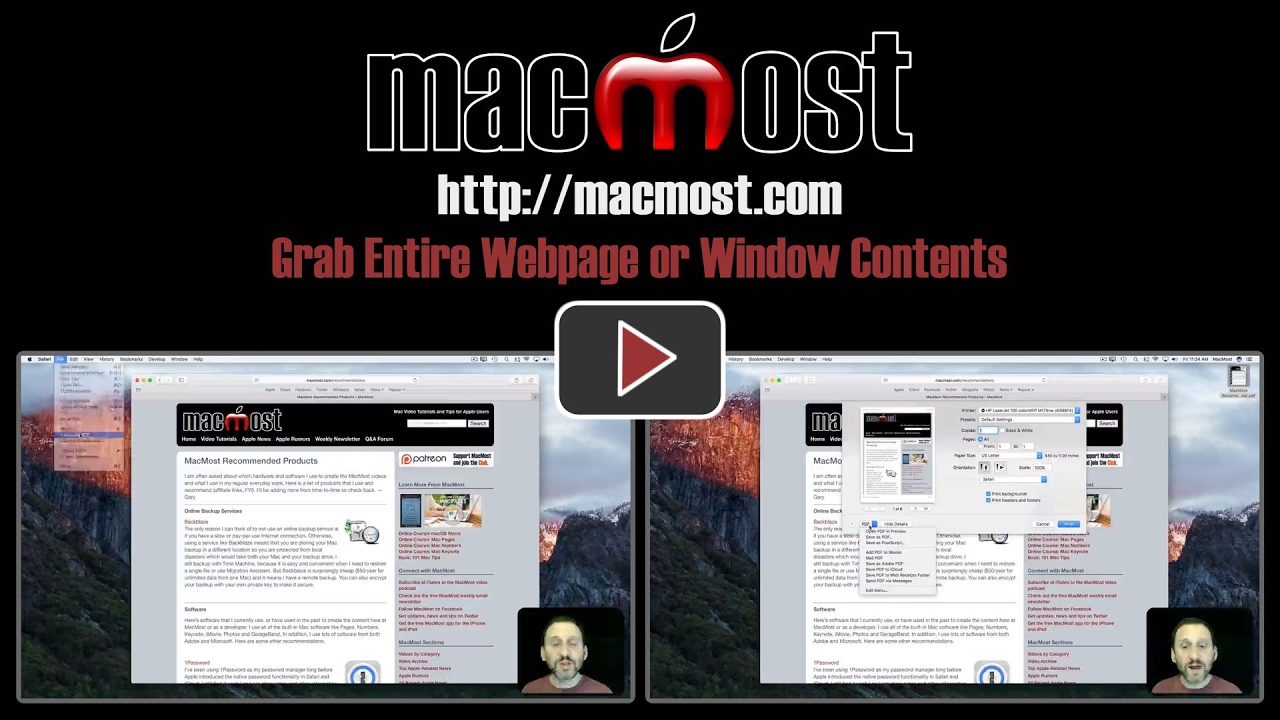
If you need to grab the entire contents of a webpage, not just the visible portion, you can do so easily with the Export as PDF or Print functions. This saves the contents of the page as a single PDF file, which can be easily viewed offline and on other devices. This comes in handy for students who need to take online notes with them.
▶ You can also watch this video at YouTube.
▶
▶ Watch more videos about related subjects: Safari (153 videos).
▶
▶ Watch more videos about related subjects: Safari (153 videos).


Click the Reader icon to the left of the URL to remove adds, then Print and Save to PDF to edit the Title Meta name.
This was extremely helpful. Thank you.