
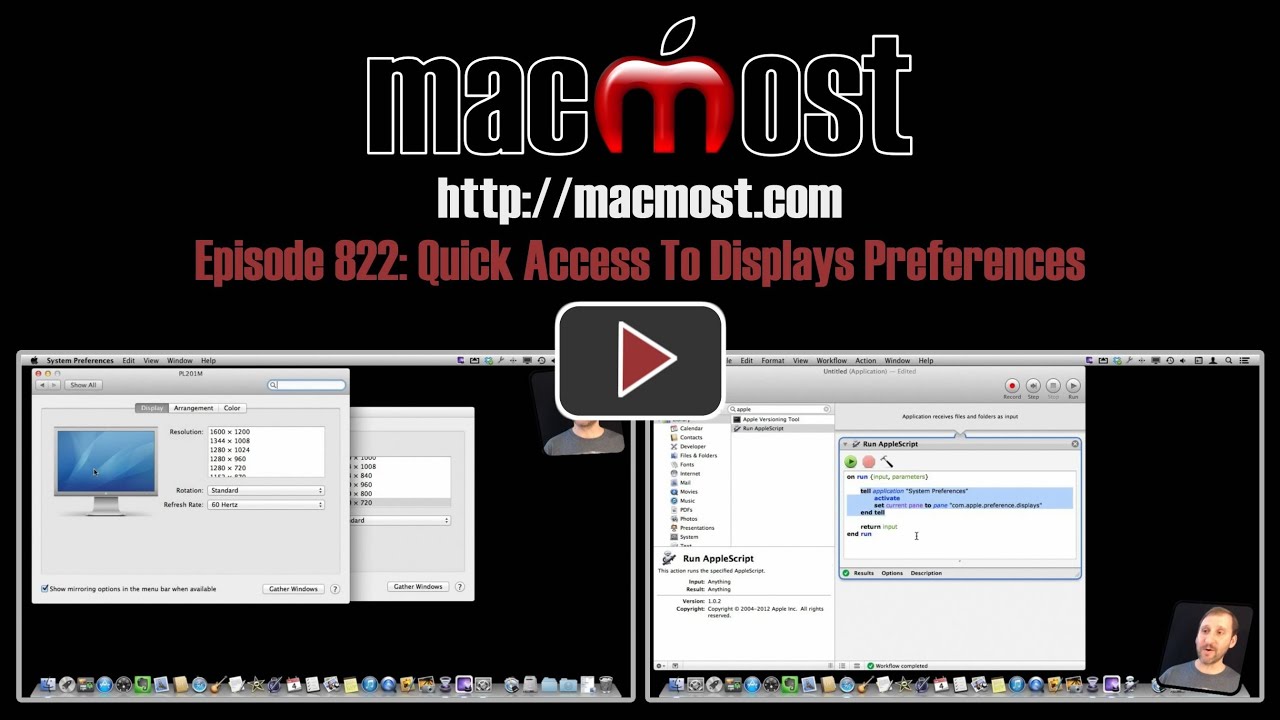
Mountain Lion took away quick access to your Displays preferences by removing the menu bar icon that was in previous versions of OS X. But you can still get to Displays preferences quickly using a keyboard shortcut, the Dock, or an AppleScript. You can also get a third-party app that adds the handy menu bar icon back.
▶ You can also watch this video at YouTube.
▶
▶ Watch more videos about related subjects: System Settings (182 videos).
▶
▶ Watch more videos about related subjects: System Settings (182 videos).


Hi, just wanted to ask if there is a way to disconnect or to blank the projector without having to unplug the cable form my Mac.
I can't think of one. If you have it mirrored, maybe you can get a similar result by turning mirroring off to display something else there.
These were really great tips. I do several presentations and knowing these shortcuts will definitely be beneficial. Thanks again!