
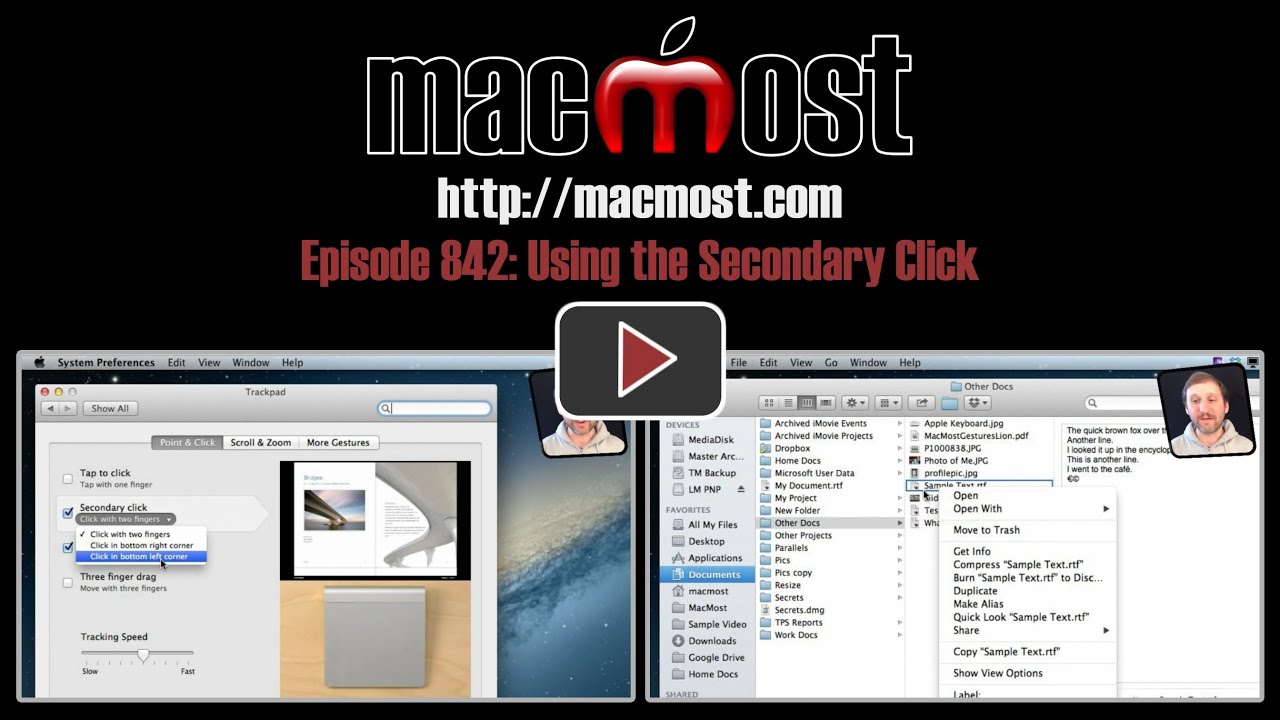
The secondary click is also known as a right click or control click. It is commonly used to access context menus and special software functions. You can determine how you create a secondary click by looking at the TrackPad and Mouse sections of System Preferences. But you can always use the Control key to change a primary click into a secondary one.
▶ You can also watch this video at YouTube.
▶
▶ Watch more videos about related subjects: Finder (338 videos).
▶
▶ Watch more videos about related subjects: Finder (338 videos).


I think anyone who used Windows for years (mosr people I suspect) will beleive we've always had right-clicking, it's only long-time Apple customers who enjoy CTRL+click.
Really enjoy your helpful tips and your web site.
Thank you so much!
Just like my old Windows PC. Thanks for the tip.