
12/15/25
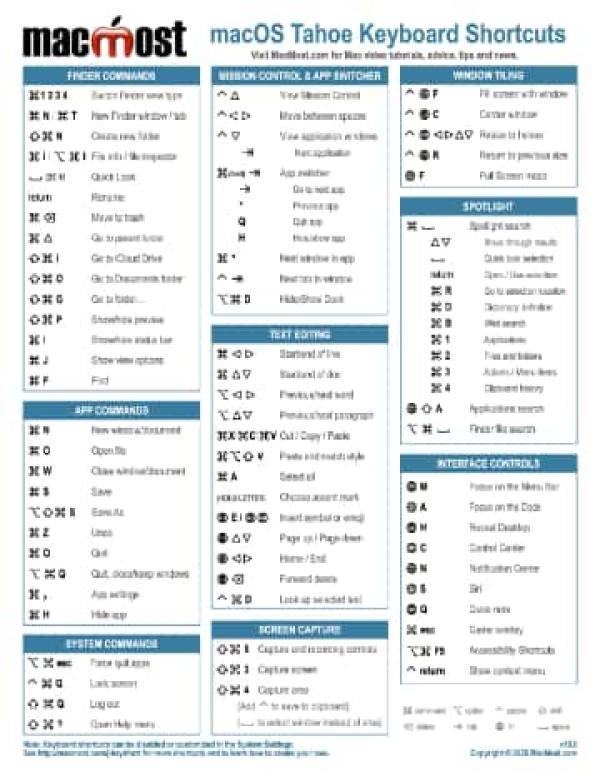
Spotlight is a fundamental feature of macOS, but it far too often fails to work and is lacking in speed and functionality. Apple needs to prioritize fixing these problems.

12/12/25
Explore the Mac Photos app with me. I'll show you some handy tricks that I use to organize and edit my photos.

12/11/25
Create a Shortcut that lets you easily create QR codes on your Mac, iPhone or iPad. You can set the colors for the QR code as well as have an image or logo automatically applied right inside the Shortcut.

12/10/25
A new feature in iOS 26 and iPadOS 26 allows you to record your own audio and video in high quality while talking with someone else over the phone, FaceTime or in other conferencing apps. Content creators can combine recordings afterward to make podcasts, videos and other content.

12/9/25
When using Markup Tools in Preview or other places on your Mac, you have a small set of eight shapes you can places as annotations. Here are some tips for getting the most out of these shapes.
12/8/25
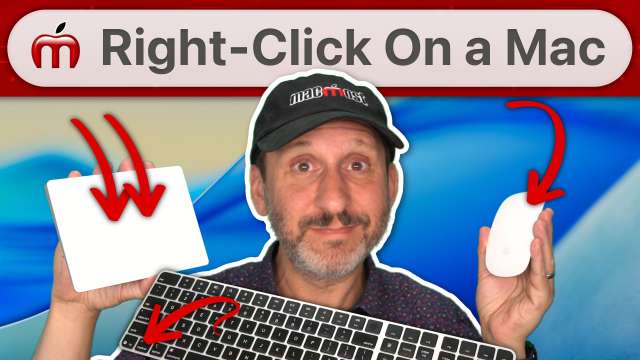
If you are new to Mac and wondering how to right-click to bring up a context menu, here is how to do it with a mouse and trackpad.

12/5/25
How to use the automatic Table of Contents feature in Mac Pages, plus lots of advanced techniques like formatting, list of illustrations and more.

12/4/25
You can create charts that track your progress to a goal using pie, donut or stacked column charts.

12/3/25
Whether the scam tries to get you over email, text, phone or in person, there are usually some red flags you can look for to help defend yourself and not fall victim.

12/2/25
In macOS Tahoe you can use Spotlight to access the Menu Bar by searching for the menu item. This adds yet another way to use the Menu Bar with your keyboard.

12/1/25
There are many little things in iOS that bug some iPhone users that are easy to stop or change. Which one of these annoys you and find out how to switch it off.

11/28/25
To get the most from Calendar alerts on your Mac and other devices, take a look at some of these deep and hidden features like the ability to set multiple alerts, customize the time, send yourself an email, play a custom sound, and use reminders in the Calendar app.

11/27/25
Using similar techniques, you can lift a subject from one of your photos and replace the background with another photo. You can also blur the background of a photo using a variety of techniques.

11/26/25
The new Preview App on the iPhone can be used to do much more than just view PDF files. You can highlight text, fill out forms, scan directly into Preview, password-protect documents and more.
11/25/25
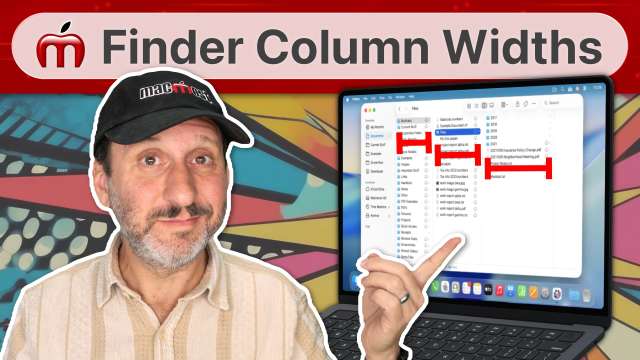
A new setting in macOS Tahoe 26.1 allows the users of Finder Column View to force columns to automatically resize to perfectly sit the folder and filenames of those columns.

11/24/25
The Recents list in the Mac Finder is neither just your most recent files, nor does it include exactly what you may be looking for. But by creating your own Saved Searches (Smart Folders) you can have something better. And with a handy hack, you can get it almost perfect.
11/21/25
Some advice on where to put your files on your Mac and how to organize them. Lots of tips for file storage, productivity and archiving.

11/20/25
You can easily create a ZIP file on your Mac right in the Finder. You can also open and expand ZIP files in the Finder. To create password-protected encrypted ZIP files, you'll need to use a simple command in the Terminal app.

11/19/25
Did you know you can copy text from signs using your camera? Drag and drop items between apps? Perfectly position the cursor in text with a hidden trackpad? Use your iPhone and AirPods as a listening device? Learn how to access these features and more.
11/18/25
Here are the most useful keyboard shortcuts for navigating and working with your files on a Mac.