
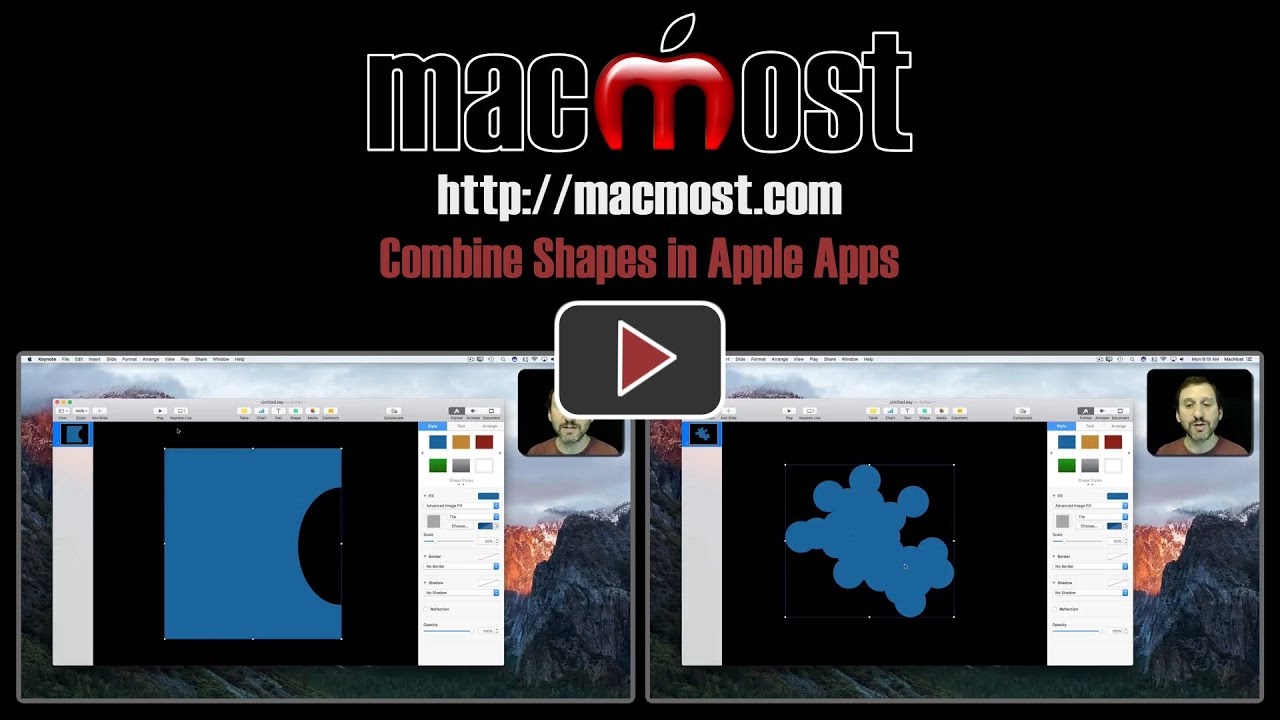
You can create new shapes by using a set of four commands in Pages, Numbers and Keynote. These commands will combine one or more shapes to make a new shape. This is often easier than drawing your own shape from scratch.
▶ You can also watch this video at YouTube.
▶
▶ Watch more videos about related subjects: Keynote (151 videos), Numbers (211 videos), Pages (236 videos).
▶
▶ Watch more videos about related subjects: Keynote (151 videos), Numbers (211 videos), Pages (236 videos).
 Want to know more about how to use Numbers on your Mac?
 Want to know more about how to use Pages on your Mac?
 Want to know more about how to use Keynote on your Mac?

You can do the same thing without using the several steps using menus, by selecting all the shapes and using the Format Panel (Apple calls it "Inspector") and clicking on the Arrange Tab at the bottom to choose Unite, Intersect, Subtract of Exclude, using Undo between each to try the next one.
This is awesome! I had no idea there were boolean functions in Pages! Now if there was a way to put text into these non-standard shapes, I could live well and be happy! Thanks for dropping the knowledge.