
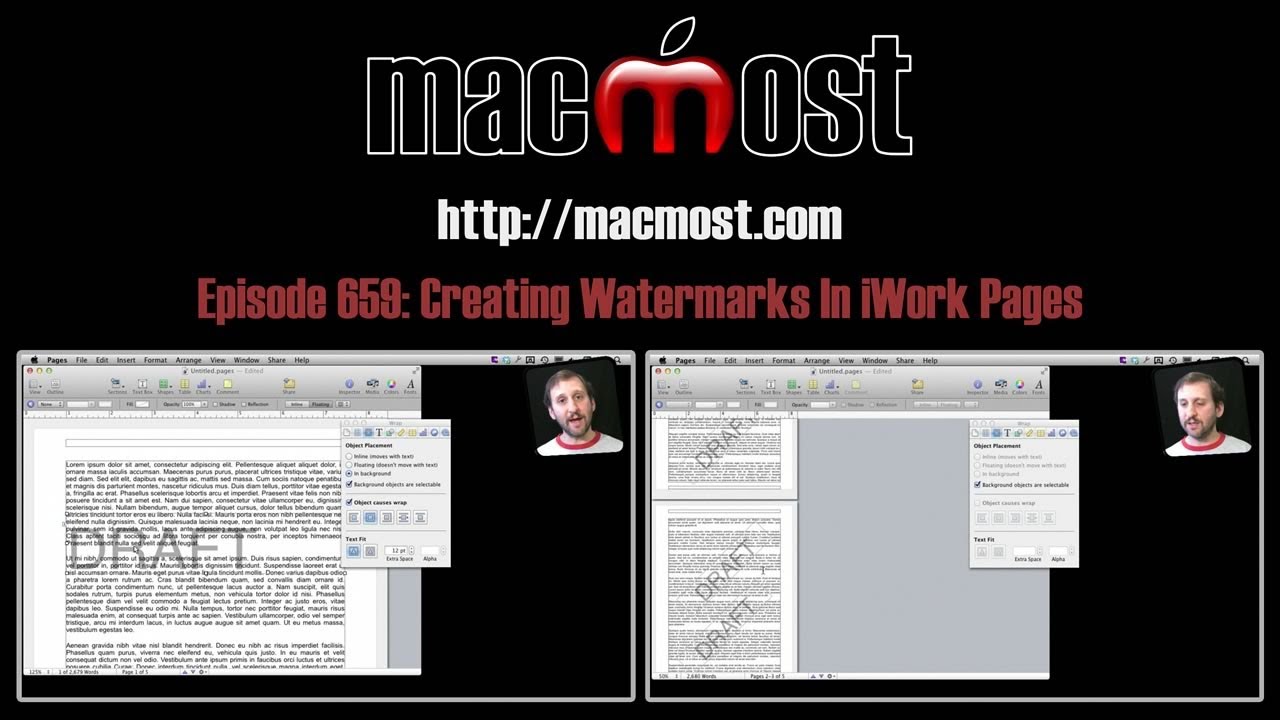
Sometimes you need to place a watermark, like the word DRAFT or CONFIDENTIAL, behind text in a document. You can do this using text boxes that are made into background items and then set them to appear across all pages in the document.
▶ You can also watch this video at YouTube.
▶
▶ Watch more videos about related subjects: iWork (42 videos), Pages (234 videos).
▶
▶ Watch more videos about related subjects: iWork (42 videos), Pages (234 videos).
 Want to know more about how to use Pages on your Mac?

Gary,
How does one create watermarks in Keynote?
You could just do the same thing -- place a large piece of text behind everything else. Just do it to the master slides instead of each individual slide.
Thank you Gary, I often write up drafts for my job. By learning how to mark a Pages document as a draft, others can tell it is not the final version.
Thank-you.
Thanks for this - very useful.
I'm having a problem with this. I am making a menu for Spanish Class and want to make it look like its old used paper, but it does not let me make it a watermark.
That wouldn't be a watermark, but just a background. You'd need to find a full-page graphic of "old used paper" and put that in a box and place that behind everything else.
On the last part, you showed the way to inserting watermark on every page using the command
Format : Advance : Move Object to Section Master.
That was shown in a situation where you have 1-section document.
Kindly advise on the easiest way to inserting same watermark at same position on all pages if they contain multiple sections.
KRgds.
Off the top of my head, not sure. Play around with it and report back if you find a solution.