
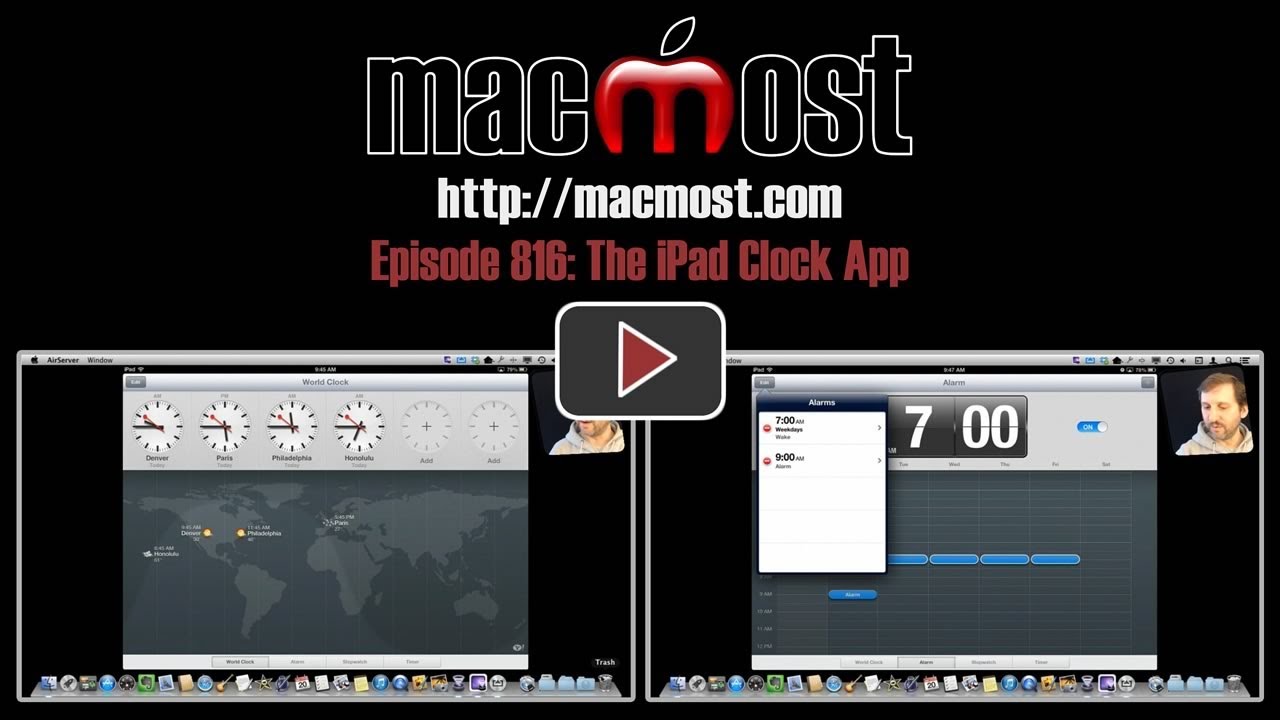
Check out the iPad Clock app that was added with iOS 6. It has four modes. The first lets you view time and weather around the world on a map. The second lets you set single or weekly repeating alarms with custom sounds. The other modes let you use a lap timer stopwatch and a count-down clock.
▶ You can also watch this video at YouTube.
▶
▶ Watch more videos about related subjects: iPad (180 videos).
▶
▶ Watch more videos about related subjects: iPad (180 videos).


Neat video! I didn't quite appreciate just how useful the clock app is!
Thanks Gary!
It can't be used as a clock at night though, correct? It doesn't show the current time, right?
Of course it shows the current time. Not sure what you mean. You could use it as a clock at night if it were plugged in so the battery didn't run down. Be a bit bright, though.
Nice app. Can we change the world time to 24 hour presentation? If I am going to ring someone it would be nice to know if it is , say, 2 AM or 2 PM.
AM or PM is shown above the clock face. Also, if you look at the times on the map below, it has AM or PM there.
Gary, I'm feeling a bit stupid - I can't see how to rearrange the order of the clocks. Is it drag and drop? I couldn't make it work. It's a beautiful app but I wish you could label the clock with your OWN city, or the names of your offices throughout the world.
Tap the Edit button to the upper left. Grab any item in the list by the three lines all the way to the right side of the item name in the list, and drag up or down.
Ah, now I feel more stupid! But thanks so much for the advice.
Excellent video, I will be downloading it today..thanks!