
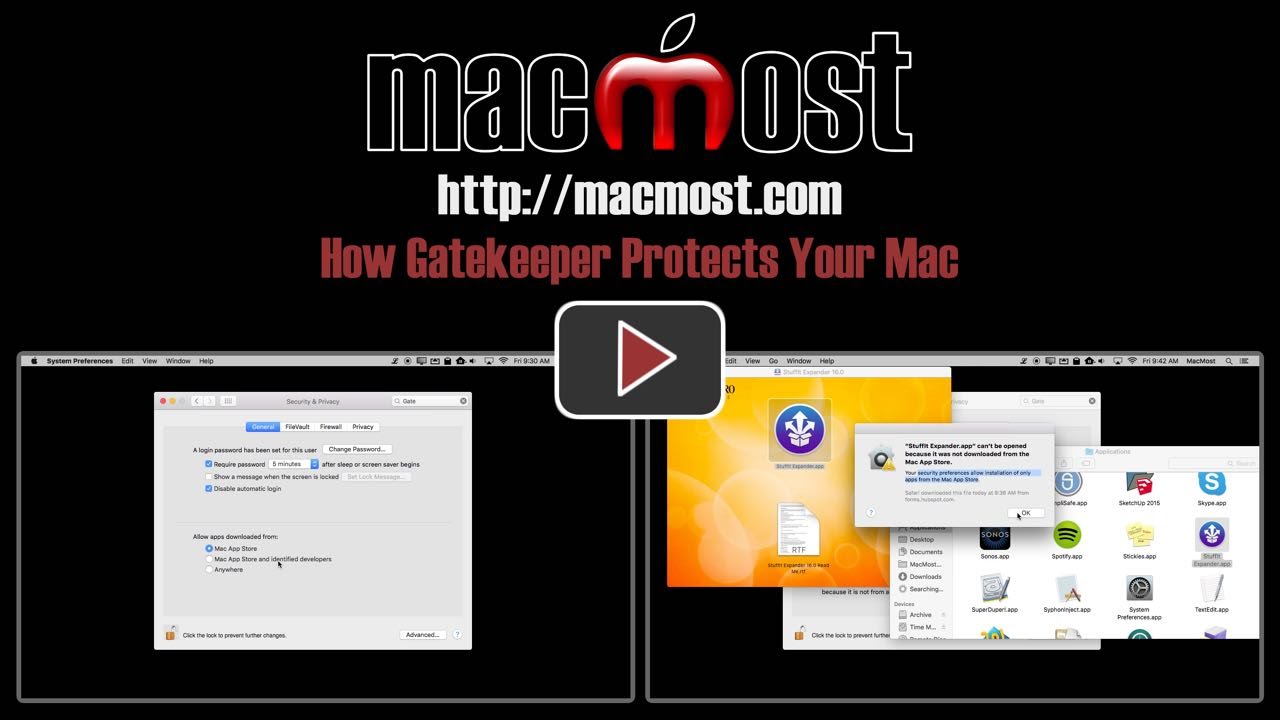
In OS X you can use Gatekeeper to protect your Mac from malicious software. Most users should have it set to only allow apps from the Mac App Store. When you do so, it is easy to allow other apps on a case-by-case basis, so even export users should consider this setting as the default.
▶ You can also watch this video at YouTube.
▶
▶ Watch more videos about related subjects: Security (138 videos).
▶
▶ Watch more videos about related subjects: Security (138 videos).


Hi, Thanks for a useful and informative article. I certainly gained a lot of useful information from it.
Keep up the good work.
Best wishes
Mike
Wow! Am I glad I listened, watched & made the necessary change! Thanks for
the pre-need help.
Love the security of knowing this, and being able to control and protect my Mac even more. Thanks, Gary.
Just moved to El Capitan from Snow Leopard (!). I really appreciate getting this information. Just this week, I detected some malware (Nariabox and Montageobax). Glad to know about this setting.
C: If you somehow installed Nariabox and Montageobax (malware trojans, I believe) then you need to review your security procedures. See http://macmost.com/virus-and-malware and also consider getting my Mac Security Book (link on the left side of page).
I also found this very informative. By the way, there is another way to open those apps, you right click it and it gives the option to open the app and tell Gatekeeper to allow it to open in the future without having to change it settings.
Great advice Gary.
Thank you for sharing your knowledge. It makes a huge difference to my computing experiences..
Did not know about this. Good lesson to learn. Many thanks your videos are very informative
Really good advice. Could you go through all the rest of the Security and Privacy setting as well. I use Archicad and have it set to block incoming connections, but Archicad is behaving oddly. Why would it need to connect to the internet?
Checked my security prefs to find the middle option already set. I have Macbook 2015 model. I haven't change anything, Must have been shipped that way.
John R
Raiford: Archicad?
Thanks Gary, This prompted me to check my security level. Apparently at some point I had chosen "anywhere". Oops! It is now corrected.
I currently use Avast Free Antivirus (Mac Version). Not sure whether it provides real time protection or not. Hasn't done any harm so far.
Good advice. Thank you!
Thank you so much for this information. I'm a new Apple user, and it's really helpful to have things explained like this. I'm also really impressed with how Apple does this!
Good advice.Thanks
For Macbook users: Keep in mind that Gatekeeper and other security features like xprotect do not get security updates while running on battery power. As far as I can tell from the messages in Console, they don't even check for updates until you plug in the charger. Mavericks and Yosemite did it fairly soon after connecting power, El Capitan takes awhile longer to get around to checking. You can see what updates you have recently gotten by looking at the System Report under About This Mac.
Thank you Gary. Really informative.
VERY important information. Just using a Mac gives me a more secure feeling than if I were on another platform. I have Yosemite and the system preference is called "Security & Privacy" on older operating systems.
On Yosemite and earlier, I could just hold down the control key and click the app icon and then click the Open button. Doesn't El Capitan allow that feature anymore? I enjoy all your useful knowledge. Thank you for sharing with us!
This video was very useful. You are really good at explaining complex things in a simple matter, Thank you So Much!