
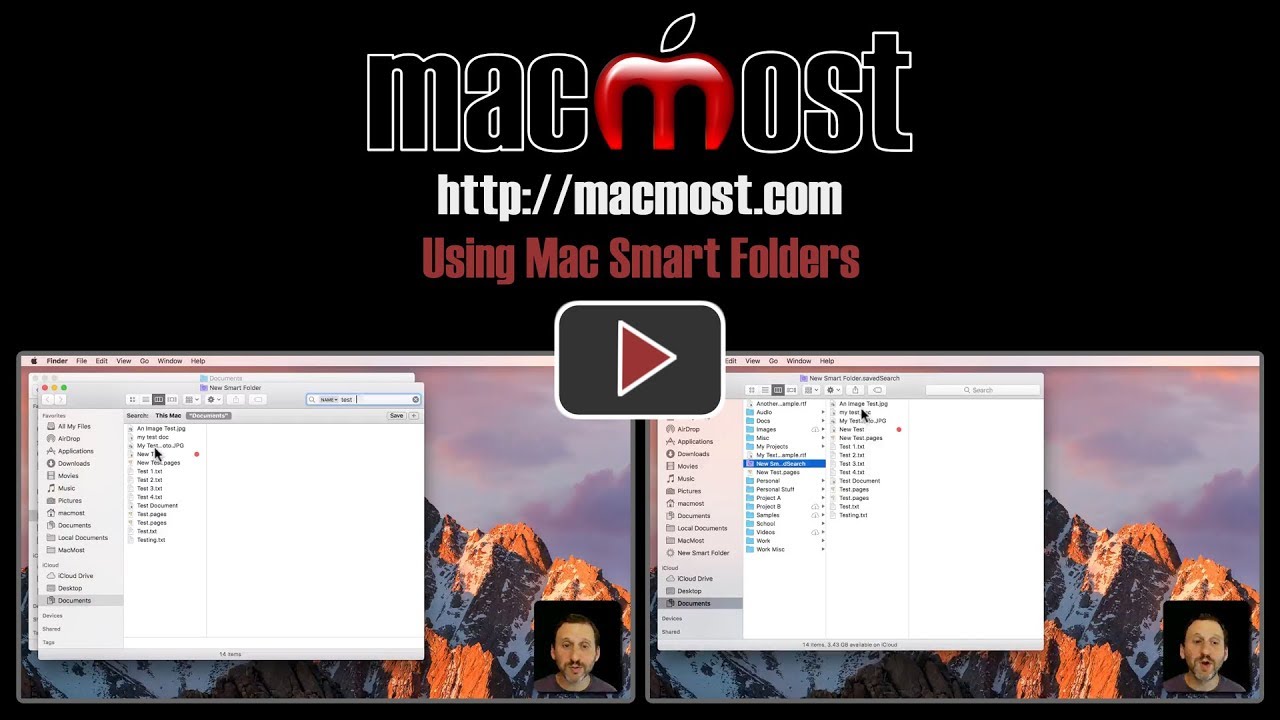
Smart Folders allow you to view collections of files that share something in common, even if they are not all stored in the same folder. You create a Smart Folder just as you would perform a Finder search. But the Smart Folder will live on as a saved search in any location you specify, or nearly the Finder sidebar. Smart Folders update automatically to include new files that meet the same criteria.
▶ You can also watch this video at YouTube.
▶
▶ Watch more videos about related subjects: Finder (338 videos).
▶
▶ Watch more videos about related subjects: Finder (338 videos).

