Monthly Archives: July 2018

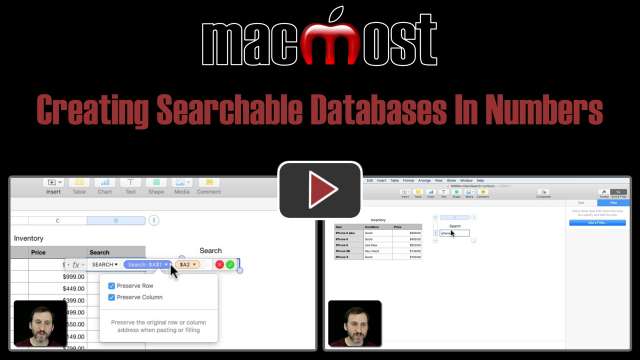
Creating Searchable Databases In Numbers
7/9/18
If you have a large Numbers table and regularly search and filter it, you may want to use a formula and a filter to enable quick and easy searches instead. The technique involves creating a hidden column that will use a single-cell second table to search, and then a filter based on the results in that column.
7/7/18
My iMac was repaired and the Apple technicians replaced RAM memory. In the process, they erased the system (correct term?) and installed a new OSX, High Sierra. Of course, I had done Time Machine backups, as well as Carbon Copy Clone. I am now attempting to restore older files, ... (2 Comments)
Technical Terms: Hard Disk Drive and SSD
7/6/18
Computers come with one of two types of internal storage, either a Hard Disk Drive or a Solid-State Drive, also called an SSD. Hard Drives are older and cheaper technology, but also slower. SSDs are newer, smaller, faster, but more expensive. You can also get Macs with a Fusion Drive, that is a hybrid of the two.
7/5/18
I have saved a bunch of web sites/pages – usually as Page Source but sometimes as Web Archive – but seems like only I can view the saved articles and only from my own computer (and maybe also from my MBP but haven’t tried). What I would like to do is save these ... (2 Comments)
7/5/18
I am trying to make storage space on my icloud photo library. I want to move photos and then delete them from icloud. We keep photos on an external hard drive. First I cannot seem to delete multiple photos with one click. I also cannot drag and drop from icloud. I am also ... (3 Comments)
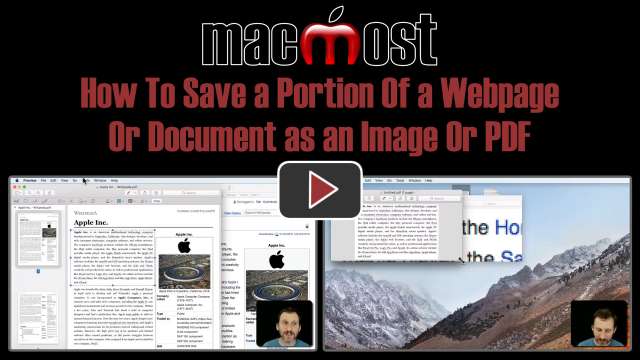
How To Save a Portion Of a Webpage Or Document as an Image Or PDF
7/5/18
You can easily save a portion of a webpage or document as a streamlined PDF or Image file. However, many people take screenshots instead, which are poor resolution. Using the Open In Preview function in the Print Dialog, you can quickly and easily convert portions of webpages or documents to smooth and scalable PDFs or even higher resolution images.
7/4/18

If you occasionally see a message saying that Time Machine has needed to delete old backups to make room, don’t worry, that’s normal. Time Machine will keep backing up versions of your files and keep around files you have deleted until it fills up its hard drive. Then it gets rid of the oldest stuff first, always keeping a complete backup of your current files. But it can be annoying to get notifications. You can switch that off in System Preferences, Time Machine. Click the Options button and turn off the “Notify after old backups are deleted” option.
7/4/18
I often want to send an e-mail to my USNA college graduate friends. What is the easiest way to get all of them into the TO address block and forward the information to all at the same time? —– Walter Ryan ... (1 Comment)
7/3/18
Is there a way to manage app icon placement on my iphone similar to the way it used to be done in itunes from my Mac computer? Using the finger press and slide method is cumbersome and buggy, especially if you have several apps to manage. Even a third app would be acceptable! ... (1 Comment)
7/3/18
I have a budget spreadsheet, and have created a pie chart from the ‘category’ and ‘totals’ (£) columns. I wanted the chart to show me the total amount spent on Utility Bills, Insurance, etc., per month but instead it is showing me the percentage spent in ... (4 Comments)
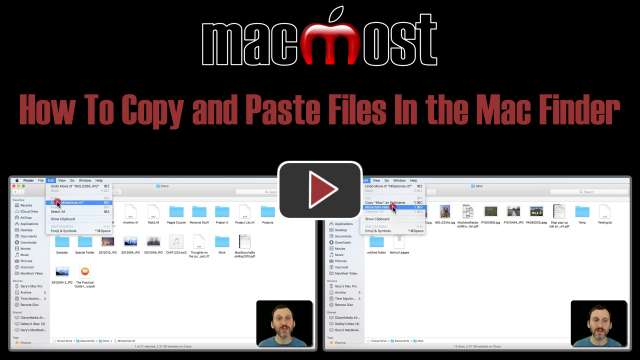
How To Copy and Paste Files In the Mac Finder
7/3/18
Instead of dragging and dropping files to move them in the Finder, you can simply use Copy and Paste. This will create a copy of the file in the new location. But if you hold down the option key, this moves the file instead. This is similar to cutting and pasting files in other operating systems. You can copy and paste multiple files.
7/2/18
I need to archive a variety of items: scanned pages, PDFs, photos, and if possible, a database. They will be recorded on dvd’s for family members. What would be the best way to do this? Are there any apps to try, or avoid? We’ll be using Macs and iPads, but PC comparability ... (1 Comment)
7/2/18
I’m proofreading a .doc file for someone using Word for Mac. I need to type a syllable stress mark, which I found in the Character Viewer. In the lower right corner of the Character Viewer window is a section called Font Variation that shows the same character in various ... (1 Comment)
7/2/18
I have googled this in a number of different places and come up with steps that are achievable but have little impact, for instance, clearing safari data and cookies, reducing excess iMessages, eliminating unused apps. I do get more memory, but the “other” category ... (1 Comment)
7/2/18
How do I get my iPhone navigation apps to give me voice driving instructions while my phone is plugged in to the charging on the car? —– Greg ... (3 Comments)
7/2/18
Over time I seem to have generated a few photo libraries, with much duplication, I think. Is there a simple way of merging them so that there is only one library that both iPhoto and Apple Photos can use? —– Barbara Hooper ... (6 Comments)
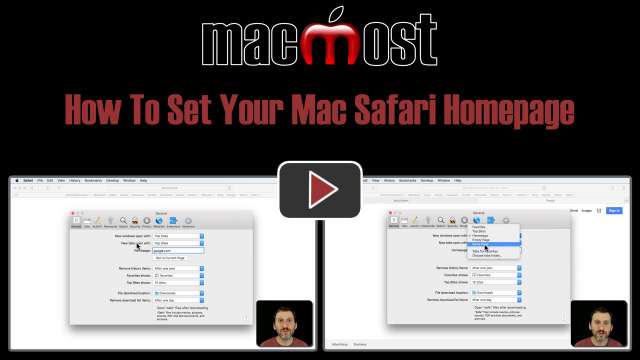
How To Set Your Mac Safari Homepage
7/2/18
You can set your Safari home page to any page on any site. However, this won't actually affect much unless you also set other options in your Safari Preferences. Even then, when you quit Safari and relaunch it, you'll probably just see the same pages you had open previously, unless you close all of Safari's windows before quitting.
7/1/18

So I like those notifications that appear at the top right corner of your Mac's screen. I sometimes create "right now" reminders so that I get one of those and it bugs me until I do the task.Instead of adding to my Reminders list with these, and seeing them on my other devices, I've come up with a JXA script that I can easily trigger that will put one of these notifications on the screen. Here is the script I am using: <blockquote>app = Application.currentApplication(); app.includeStandardAdditions = true; var message = app.displayDialog('What?', { defaultAnswer: "" }).textReturned; app.displayNotification(message,{withTitle: 'Reminder'})</blockquote>