
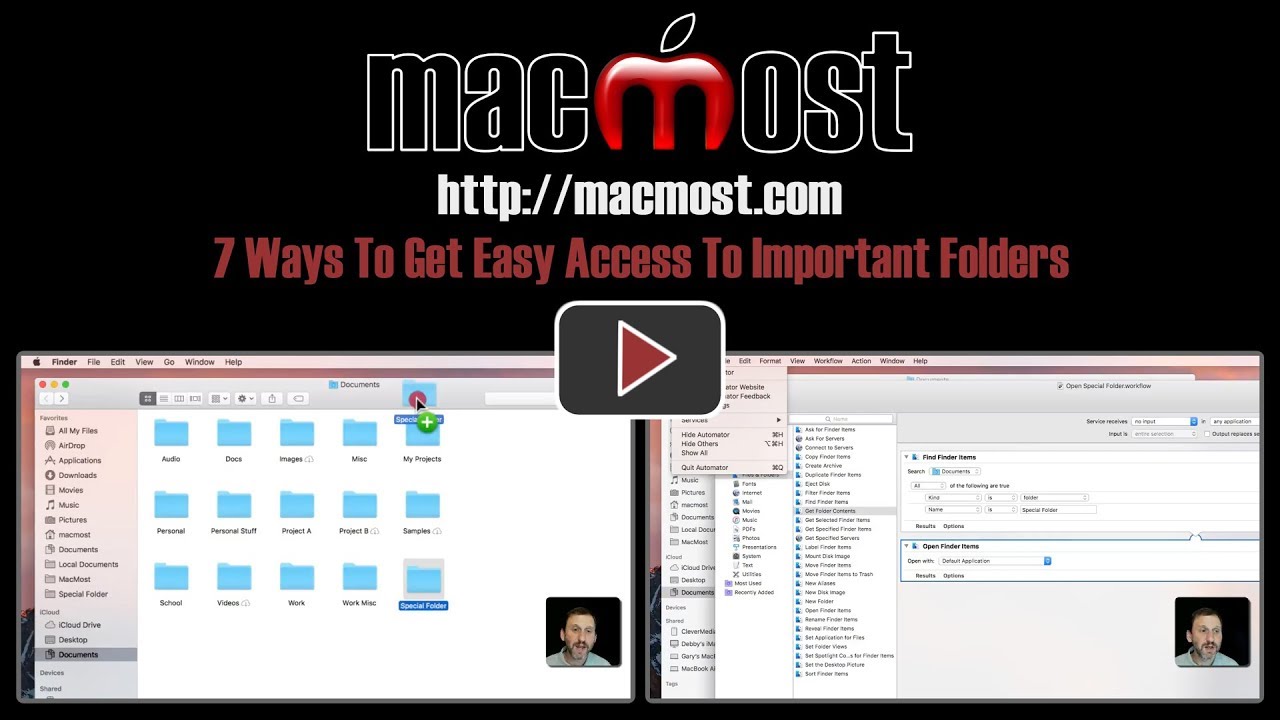
If you have a folder you need to access all the time, you can give yourself easy access to it in a number of ways. You can use the Dock, the Finder sidebar, the Finder Toolbar and an alias on the Desktop. You can also create an Automator task to open the folder and then a keyboard shortcut for that. Mission Control is another way to keep that folder easily available.
▶ You can also watch this video at YouTube.
▶
▶ Watch more videos about related subjects: Finder (338 videos).
▶
▶ Watch more videos about related subjects: Finder (338 videos).


Hi Gary, Attempted to save a test doc in text edit.
When I hit ⌘ S, no left side bar opened up as at 1:25 of your video.
I just got a drop down box.
What setting should I use?
Bob: Perhaps you have the Save dialog features hidden? Is there a small reveal button (down arrow) to the right of the "Save As" field? Try clicking that to expand the Save dialog.
Great info just what I needed to know, you are the go to guy for my Mac needs.
Thanks Brad